Block Blaster makes empty space worth keeping
A completed line feels like progress. An awkward gap can quietly decide what happens several placements later.
Source: CrazyGames game page External website · opens in another tab
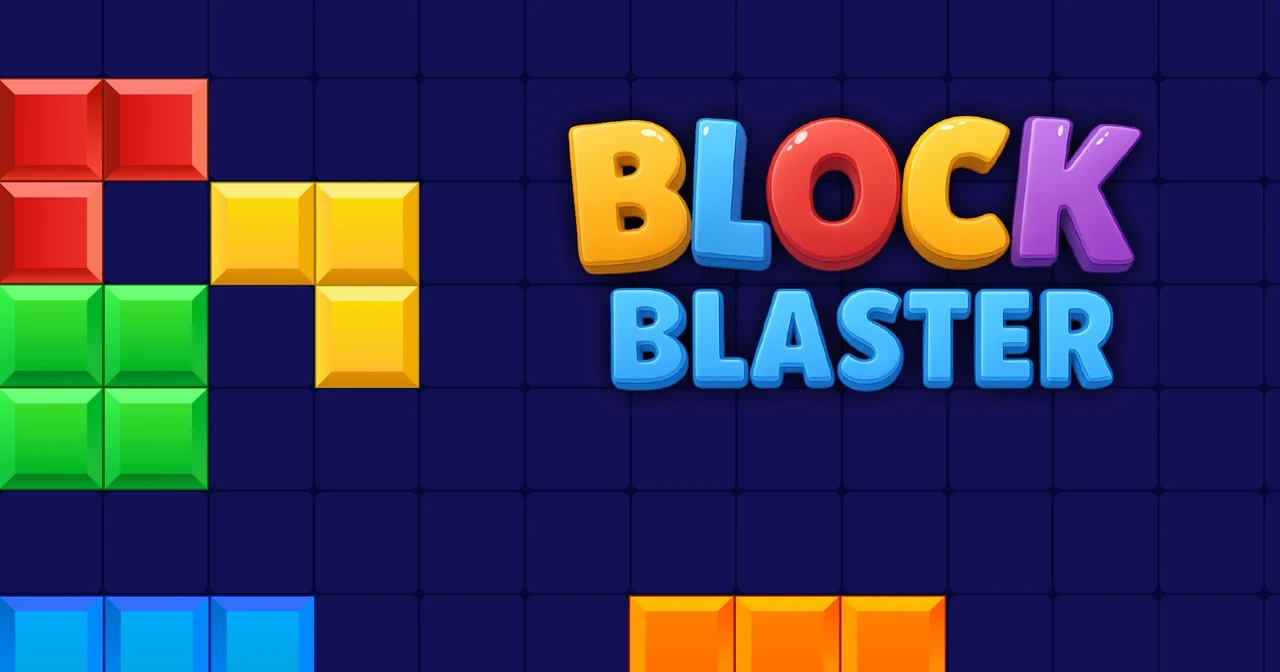 COVER ARTWORK ↗
- Listed browser support
- Computer / Phone / Tablet
- The controls to know
- Drag the offered blocks onto the grid. Complete a row or column to clear it; pieces cannot be rotated.
- Listed developer
- Onki Games
The shape arrives as it is
Block Blaster gives you an eight-by-eight board and pieces that must be placed without rotation. That restriction is the useful starting point for understanding it. You are not looking for an ideal shape you can turn into position; you are making a place for the one already offered. The empty part of the board deserves as much attention as the coloured part.
Clearing is also preparation
Completing a row or a column removes it and creates working room. A satisfying clear can therefore do two jobs: reward the current placement and improve the next decision. Think of an isolated pocket as a commitment. It might fit something useful later, but it may also leave the wider board less flexible than a modest-looking arrangement along an edge.
For the player who likes to reconsider
The appeal is the visible relationship between a choice and the space it leaves behind. There is little narrative distance between you and that decision. It suits players who enjoy looking again before moving, especially when they want an activity built around shapes rather than arithmetic. This review concerns Onki Games' CrazyGames listing, currently titled Block Blaster, rather than every similarly named block game.
The cover shown for Block Blaster comes from its CrazyGames listing. The image is credited to its respective rights holders and accompanies our editorial discussion.