Doodle Road asks whether your line can carry an idea
Drawing a connection is easy. Making it a road that a small car can actually use is a different kind of sketch.
Source: CrazyGames game page External website · opens in another tab
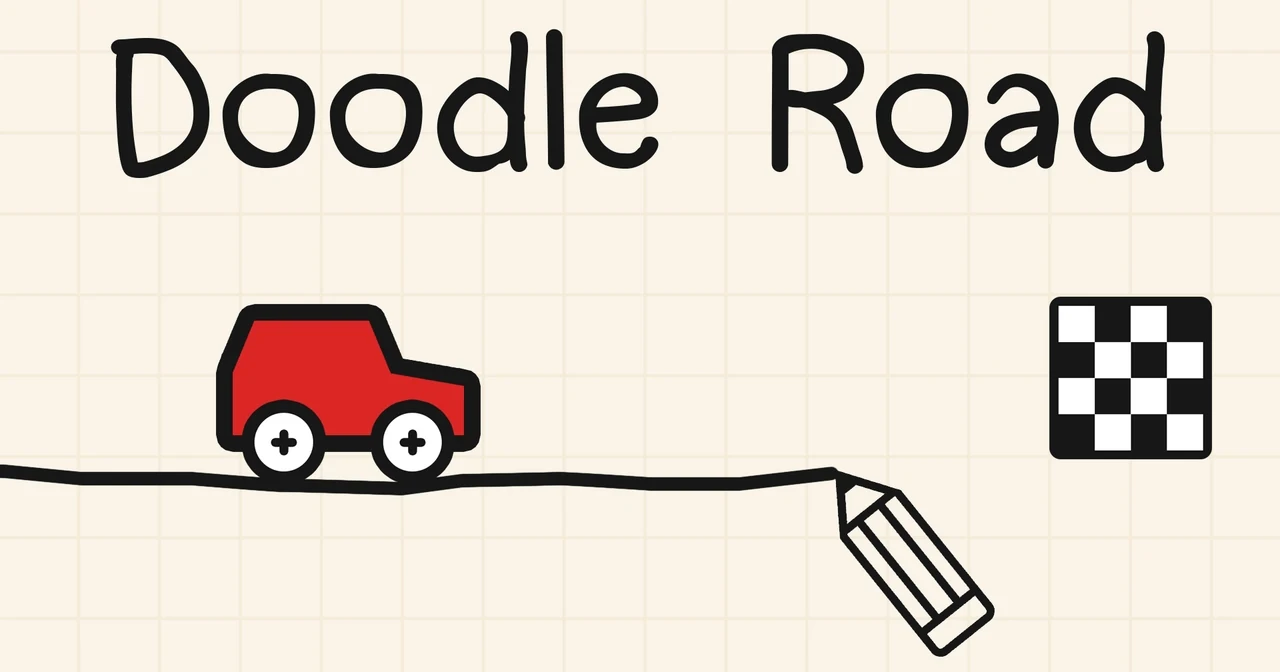 COVER ARTWORK ↗
- Listed browser support
- Computer / Phone / Tablet
- The controls to know
- Hold the left mouse button to draw. Use Start or Space to test the route; Restart or R begins another attempt.
- Listed developer
- Ctrl4ltDel
Your drawing becomes a proposal
Doodle Road puts the route in your hands before the car starts moving. You sketch a line, launch the attempt and see whether that line functions as a road. A connected path on paper can still be too abrupt, too awkward or badly positioned for the vehicle. That gap between a drawing and its practical result is the game's most promising idea.
Watch where the argument fails
Obstacles, slopes and stages without engine power give the same drawing gesture different purposes. Sometimes the question is how to bridge a space; elsewhere it is how to preserve enough momentum. A failed attempt can therefore be read as information. Notice the point where the car loses its chance, then change the part of the line that caused the problem rather than adding more drawing everywhere.
A sketchbook for patient tinkering
The appeal lies in revising something you made yourself. It is a good choice for players who enjoy testing an idea and learning from its visible consequences. It is less suitable when you want conventional steering or a prepared road. Here, the satisfaction comes from a shape becoming useful, even when the useful shape looks less elegant than the first sketch.
The cover shown for Doodle Road comes from its CrazyGames listing. The image is credited to its respective rights holders and accompanies our editorial discussion.